
Reading
The Ayat and Mushaf views, navigation, full screen, the long press on an ayah, typefaces, tajweed, themes, and keyboard shortcuts.
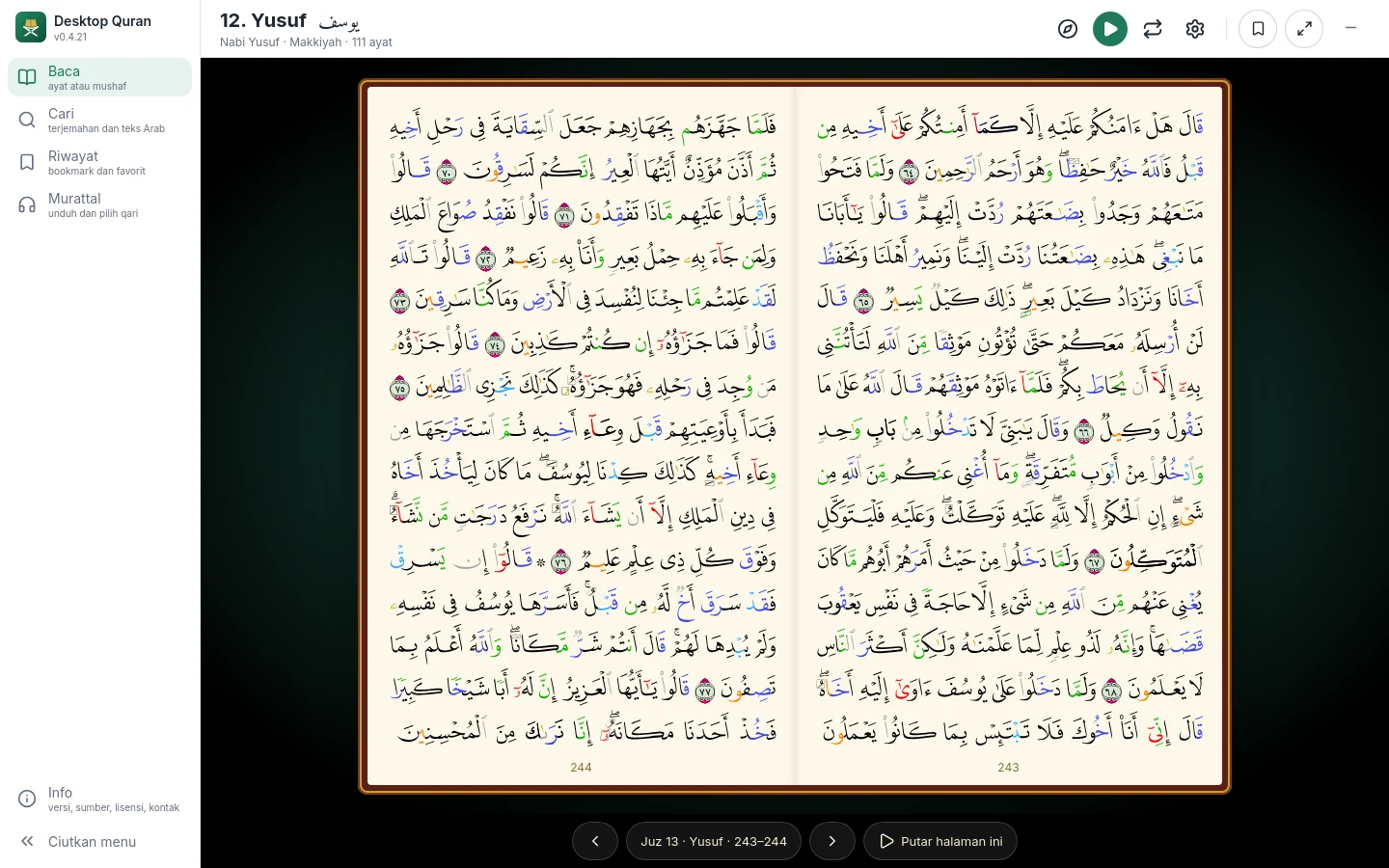
Two views
Choose Ayat or Mushaf under View → Display mode.
- Ayat shows one ayah after another with the translation under the Arabic text, together with its footnotes. The typeface, size and weight are set in this view.
- Mushaf shows pages as in the printed Madinah mushaf: 15 lines, with the lettering and layout of the original. In a wide window two pages are shown side by side. With the translation on, the mushaf page is on the right and its translation on the left.
Navigation
- Go to (the compass icon): search for a surah by name or number and pick an ayah, choose a juz, or enter a page number.
- In the Mushaf view, pages are turned with the arrow keys, the ‹ › buttons in the bottom bar, or a swipe on a touch screen. The mushaf opens towards the left, so the next page is on the left.
- In the Ayat view, the Previous surah and Next surah buttons are at the bottom.
Long press on an ayah
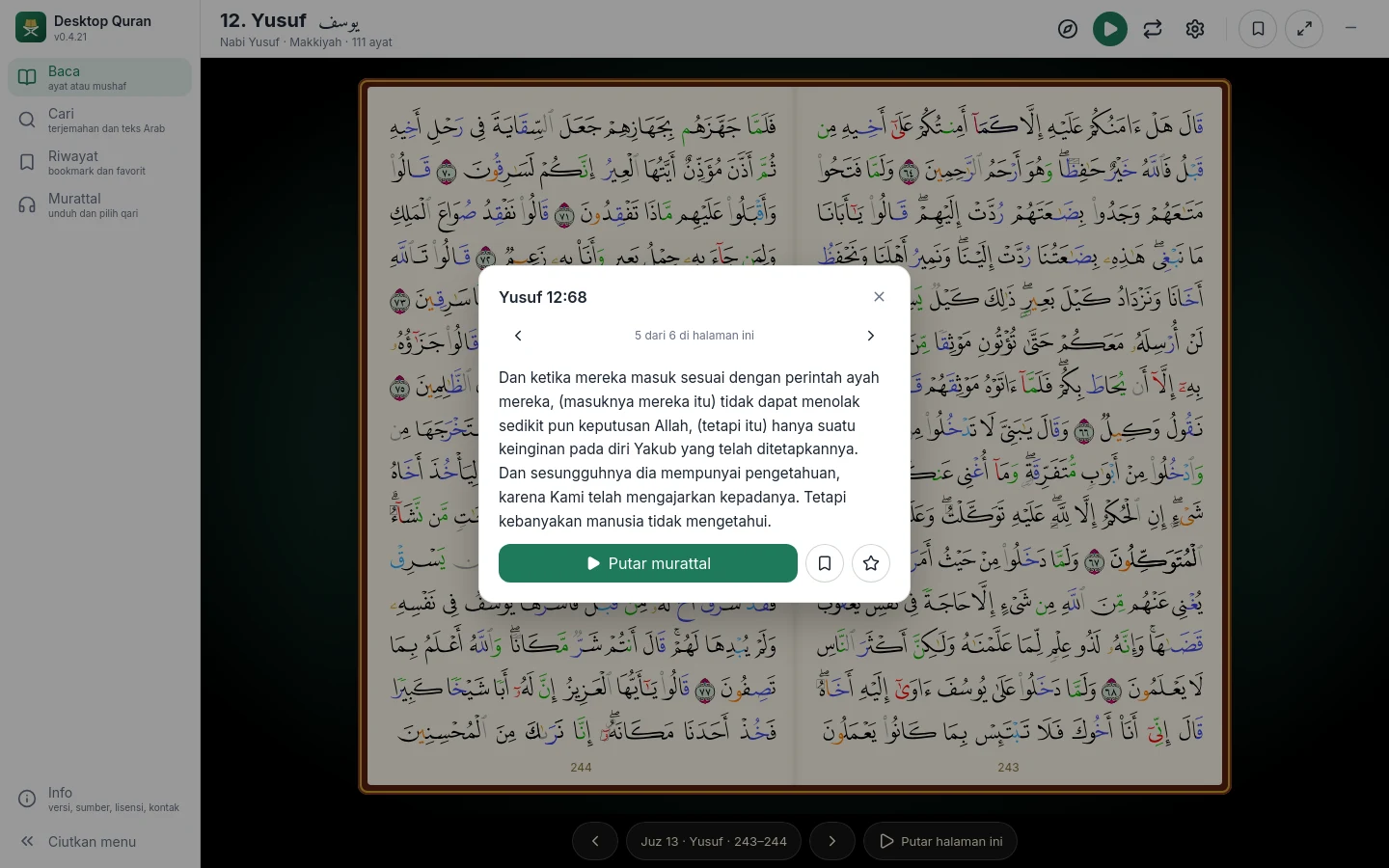
On a mushaf page, press and hold (or right-click) an ayah. A sheet shows the translation of that ayah, ‹ › buttons to move to the previous or next ayah on the page, Play the recitation from that ayah, and Bookmark and Favourite. A recitation that is playing is not interrupted.
Full screen
Use the full-screen button at the top right or the F key. All bars are hidden and only the page is shown. Press Esc or the ✕ button to leave.
Translation, tajweed, typefaces and themes
- Translation can be switched off. In the Mushaf view it is shown per page in a side panel; in the Ayat view, under each ayah.
- Tajweed colouring marks rules of recitation such as ghunnah, idgham, ikhfa, qalqalah and madd. A legend is available in the View menu.
- Typeface (Ayat view): Amiri, Amiri Quran or Kitab; size 18 to 40; bold.
- Theme: light, dark, or the system setting.
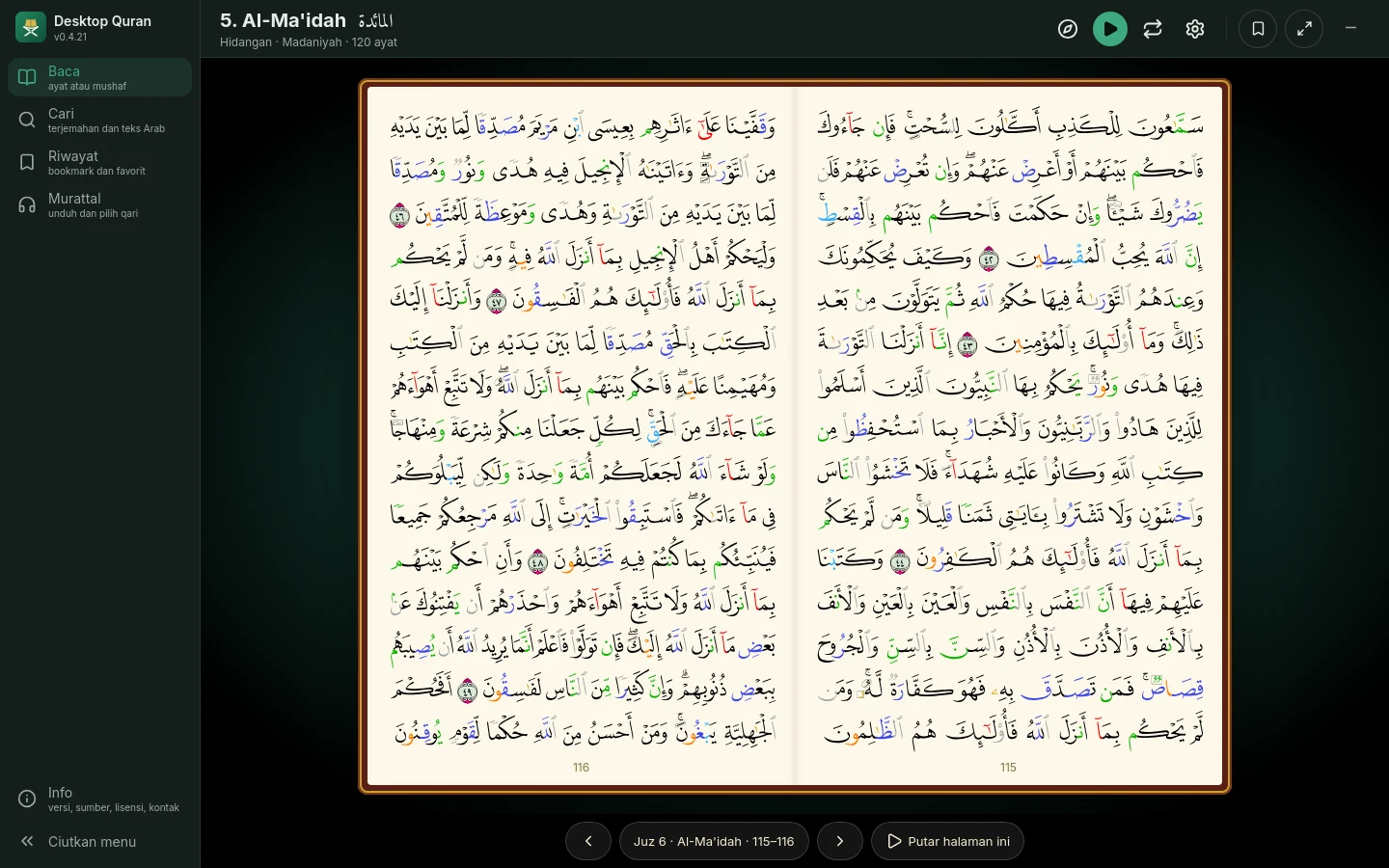
Keyboard shortcuts in the Mushaf view
| Key | Function |
|---|---|
| ← / → | Next / previous page (the mushaf opens towards the left) |
| F | Full screen; Esc to leave |
| T | Show or hide the translation |
| J | Show or hide the tajweed colours |
| B | Bold lettering |
| P | Play the recitation from the open page |